Sales Order Agent·October 21, 2026·3 min read
Can Your Own Staff Review AI Order Entry? What an ERP Consultant Asked About Keeping Customer Orders In-House

Daniel Emaasit
CEO, Logistify AI
TLDR
An ERP consultant in New Jersey whose clients won't give customer orders to outside parties asked whether the clients' own employees can do the order matching. With Logistify they can: a client's staff review and resolve held orders in the Logistify app, and Logistify's specialists help unless the client opts out. Order data is stored in Logistify's cloud, used only to process that client's orders, and never used to train models.
The question
An ERP implementation consultant in New Jersey, USA, sent us this through our contact form:
"My clients are not giving their customer orders to external parties. Can your online system be accessed by my customer employees who will support the matching?"— An ERP implementation consultant in New Jersey, USA
It's a fair objection to any managed service. Customer orders carry customer names, prices and volumes, and many businesses don't want an outside team reading them. Here is who sees orders with Logistify, and how your own staff do the matching.
Who reviews your orders
| Setup | Who reviews held orders | Logistify's specialists |
|---|---|---|
| Default | Your staff in the Logistify app, with Logistify's specialists helping | Help review held orders |
| Your staff only | Your staff in the Logistify app | Not part of reviewing your orders, because you opted out |
Either way, the AI does the routine part, and a person only looks at the orders it holds.
What "the matching" involves
Further reading
The Coordination Tax: The $1.6 Trillion Cost of Running Supply Chain on Human Hands
The CEO's thesis on why every manual handoff in your supply chain is a hidden tax — and why AI Agents are the only way to eliminate it.
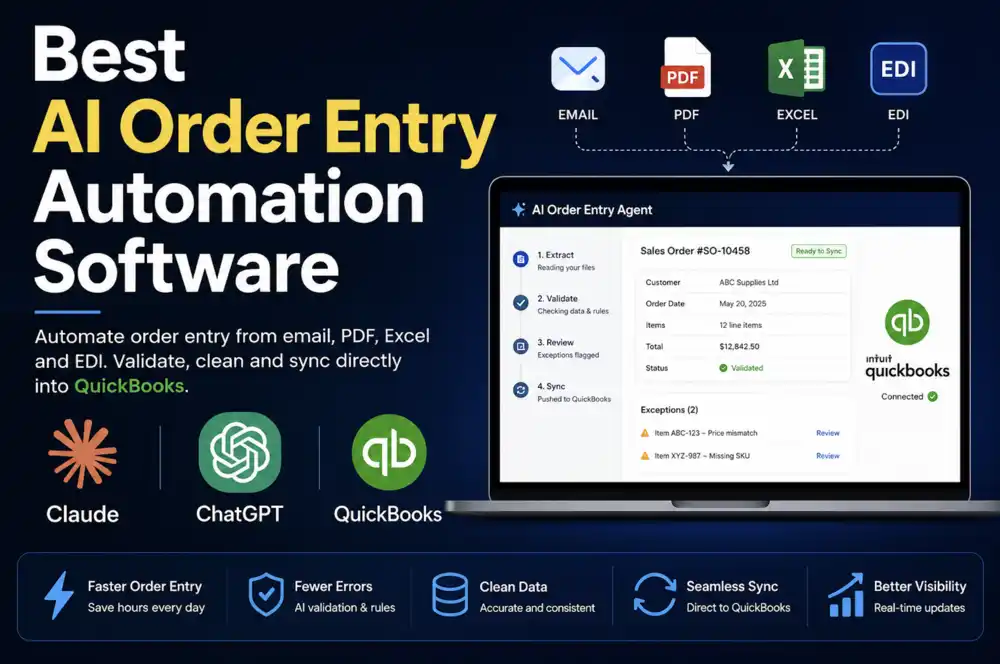
Read the memo- 1Logistify reads each customer order and matches every line to your item list, using that customer's past orders.
- 2Clean orders go into your ERP without anyone retyping them.
- 3An order with an open question is held with the reason: an item it can't match, a price that doesn't add up, an unusual quantity, or a customer over its credit limit.
- 4Your staff open the held order in the Logistify app and resolve it, for example by picking the right item or approving an unusual quantity with a reason, which is recorded.
So the work your client's employees do is the judgment part, not the typing.
Where the order data goes
- Order data is stored in Logistify's cloud and used only to process that client's orders.
- It is never used to train AI models.
- Access is scoped to the workflow Logistify manages: the inbox or channel the orders arrive in, and the ERP where they're entered.
- Email orders reach Logistify by forwarding from your orders mailbox, so you decide which mail is sent.
For QuickBooks Desktop, Logistify enters orders through the QuickBooks Web Connector on your machine. Pricing and plans are on our pricing page.
Questions a consultant can ask any vendor
- Who on the vendor's side can see my client's orders, and can my client turn that off?
- Can my client's own staff resolve every held order, in the vendor's app, without a support ticket?
- Where are orders stored, and are they ever used to train AI models?
- What exactly does the vendor connect to: which mailbox, which ERP, which permissions?
- Is every approval of a held order recorded, with who approved it and why?
What Logistify doesn't do
- It doesn't read faxed orders.
Frequently Asked Questions
Advising a client who keeps orders in-house?
Tell us how your client handles orders and who needs to review them. We'll show how their own staff would work held orders in Logistify, and what Logistify can access.