Product·November 10, 2026·4 min read
OpenAI Approves Our ChatGPT Plugin for Unleashed: How to Install It

Daniel Emaasit
CEO, Logistify AI
TLDR
Is there a ChatGPT plugin for Unleashed in ChatGPT's plugin directory? Yes. On November 10, 2026, OpenAI approved Logistify for Unleashed, and it is now published in ChatGPT's plugin directory as "Logistify for Unleashed", by Logistify AI. To install it, open Plugins in ChatGPT's side menu, search for Unleashed, select Logistify for Unleashed and select Install plugin, then sign in with your Logistify login. ChatGPT can then look up customers, products, orders, suppliers and warehouses in your Unleashed account, and, if you allow changes, create sales orders and push them to Unleashed, asking before each change. It comes with Logistify's Starter plan, $99 a month per company, and is included in Core, Business and Enterprise.
OpenAI Approved Our Unleashed Plugin for ChatGPT
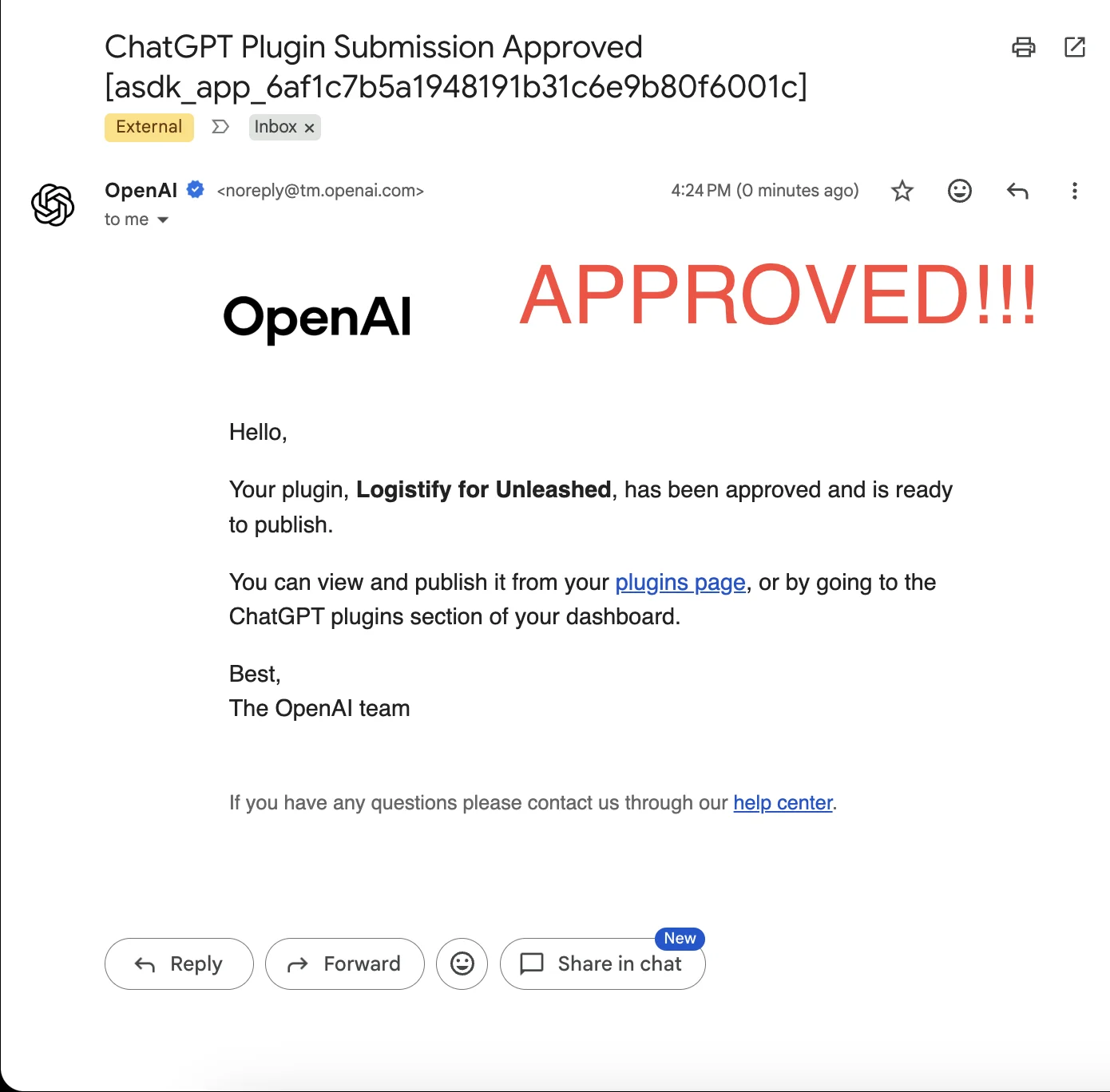
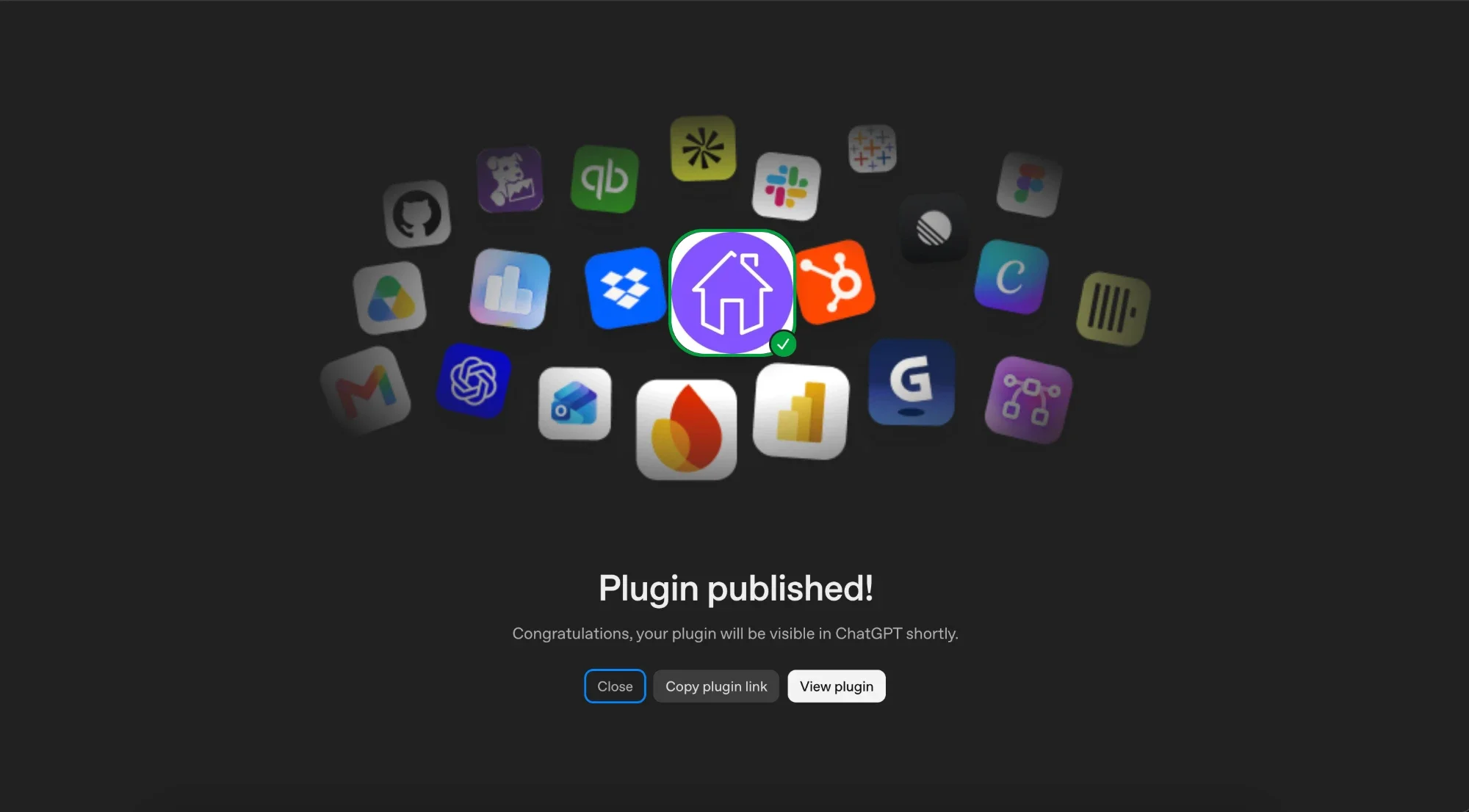
On November 10, 2026, OpenAI emailed us that Logistify for Unleashed had been approved and was ready to publish. We then published it, so it is now in ChatGPT's public plugin directory under the name "Logistify for Unleashed". Until now, a ChatGPT workspace admin had to add it by hand as a custom MCP server. Now anyone whose ChatGPT account allows plugins can find it and install it in a few clicks.
What Does the Unleashed Plugin Do in ChatGPT?
It lets ChatGPT look up customers, products, sales orders, suppliers, purchase orders and warehouses in an Unleashed account connected to Logistify. If you tick Allow changes when you connect, it can also create a new sales order from your chat request and push it to Unleashed, push sales orders already saved in Logistify, and import Unleashed customers, products and sales orders into Logistify. ChatGPT asks before each change.
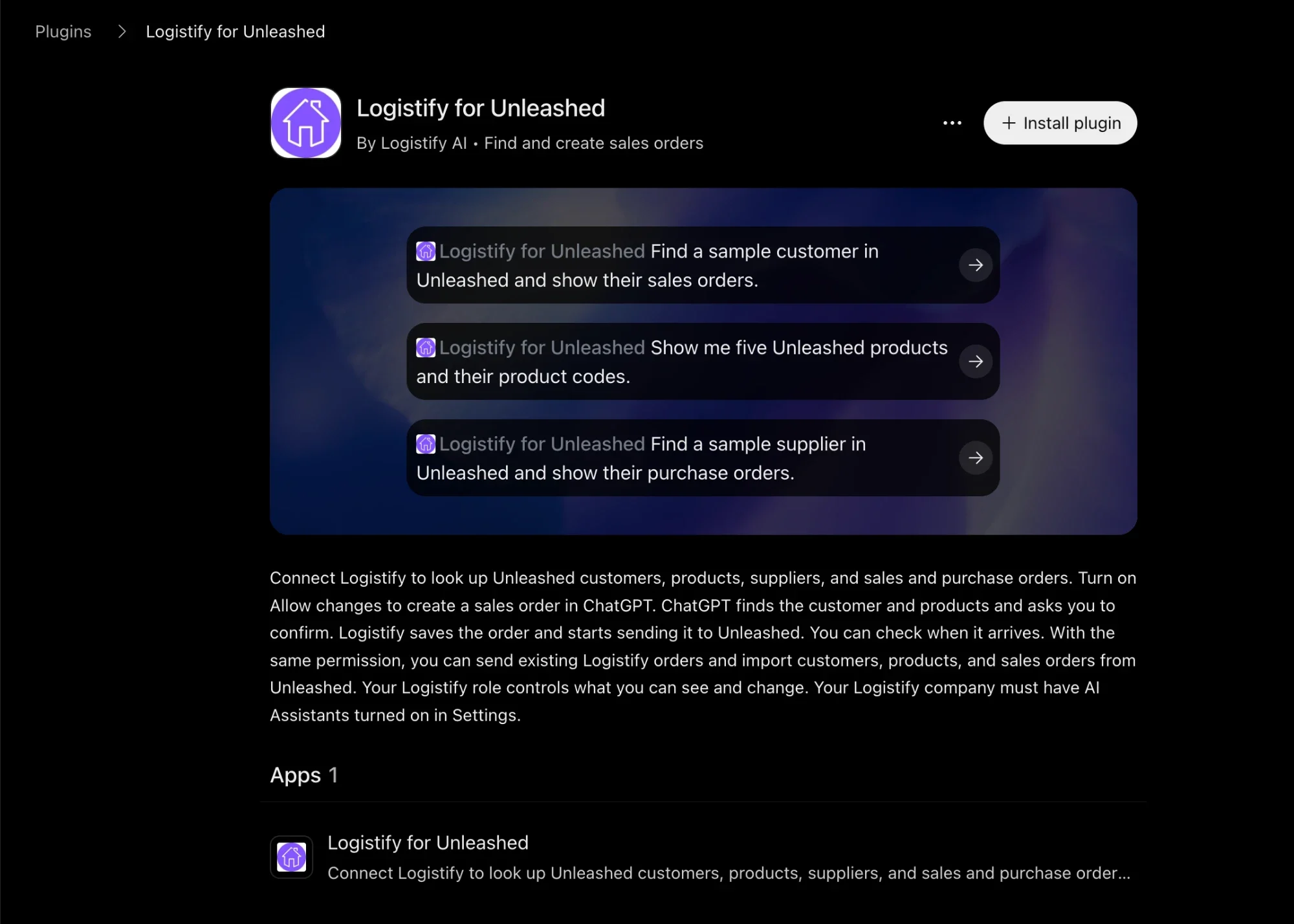
Our Unleashed plugin page lists every tool and what each one does.
How Do You Install the Unleashed Plugin in ChatGPT?
Before you start, your company needs a Logistify account with your Unleashed account connected, and a Logistify admin needs to turn on Assistant Connectors in Logistify's Settings. Then:
Further reading
The Coordination Tax: The $1.6 Trillion Cost of Running Supply Chain on Human Hands
The CEO's thesis on why every manual handoff in your supply chain is a hidden tax — and why AI Agents are the only way to eliminate it.
Read the memo- 1In ChatGPT, open Plugins in the side menu, or select Plugins under the message box.
- 2In the Search plugins box, type Unleashed.
- 3Select Logistify for Unleashed, by Logistify AI, with the purple house icon.
- 4Select Install plugin.
- 5Sign in with your Logistify login and choose your company.
- 6Tick Allow changes on Logistify's connect page if ChatGPT should be able to make changes. Left unticked, ChatGPT can read but can't change anything.
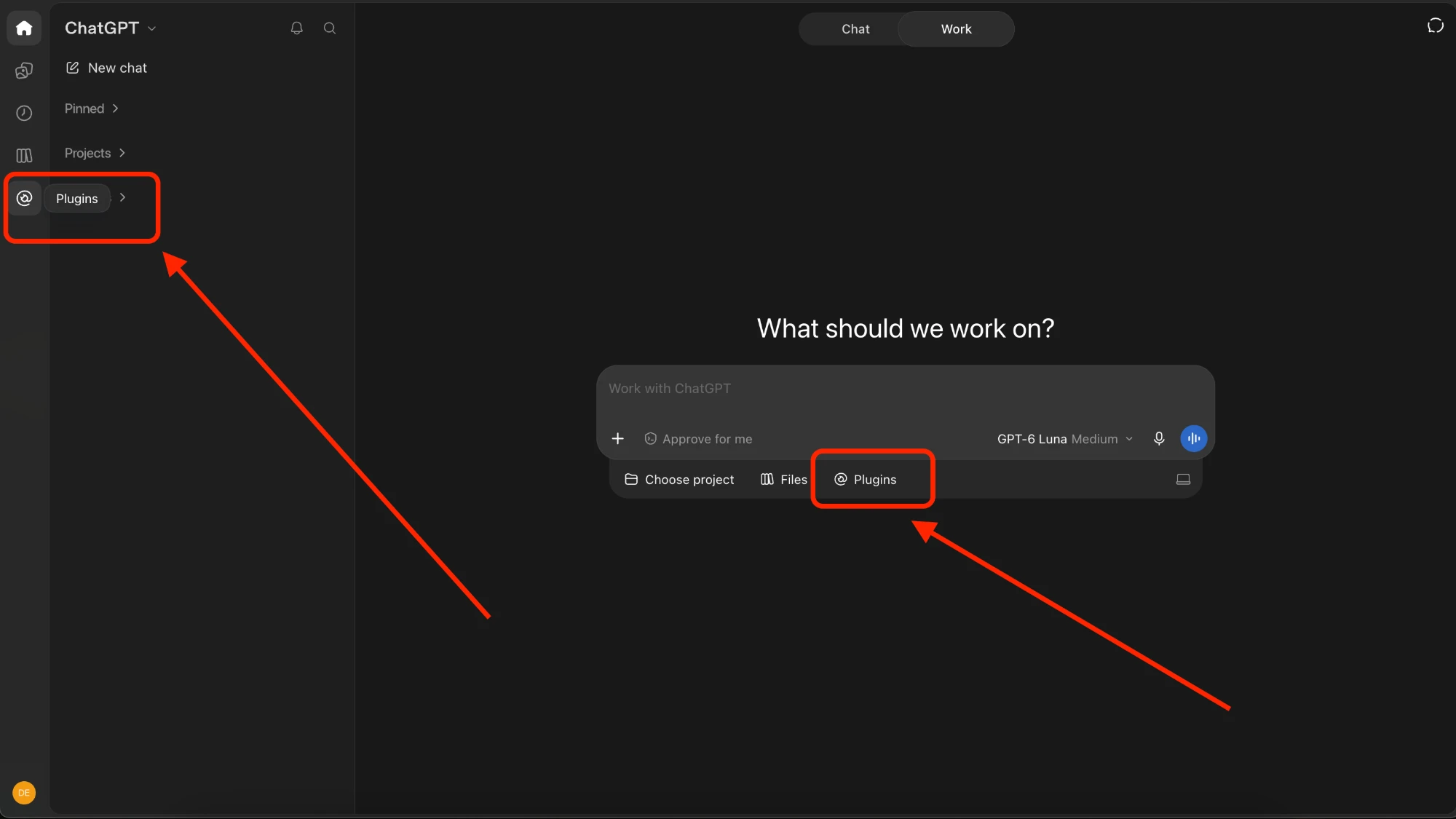
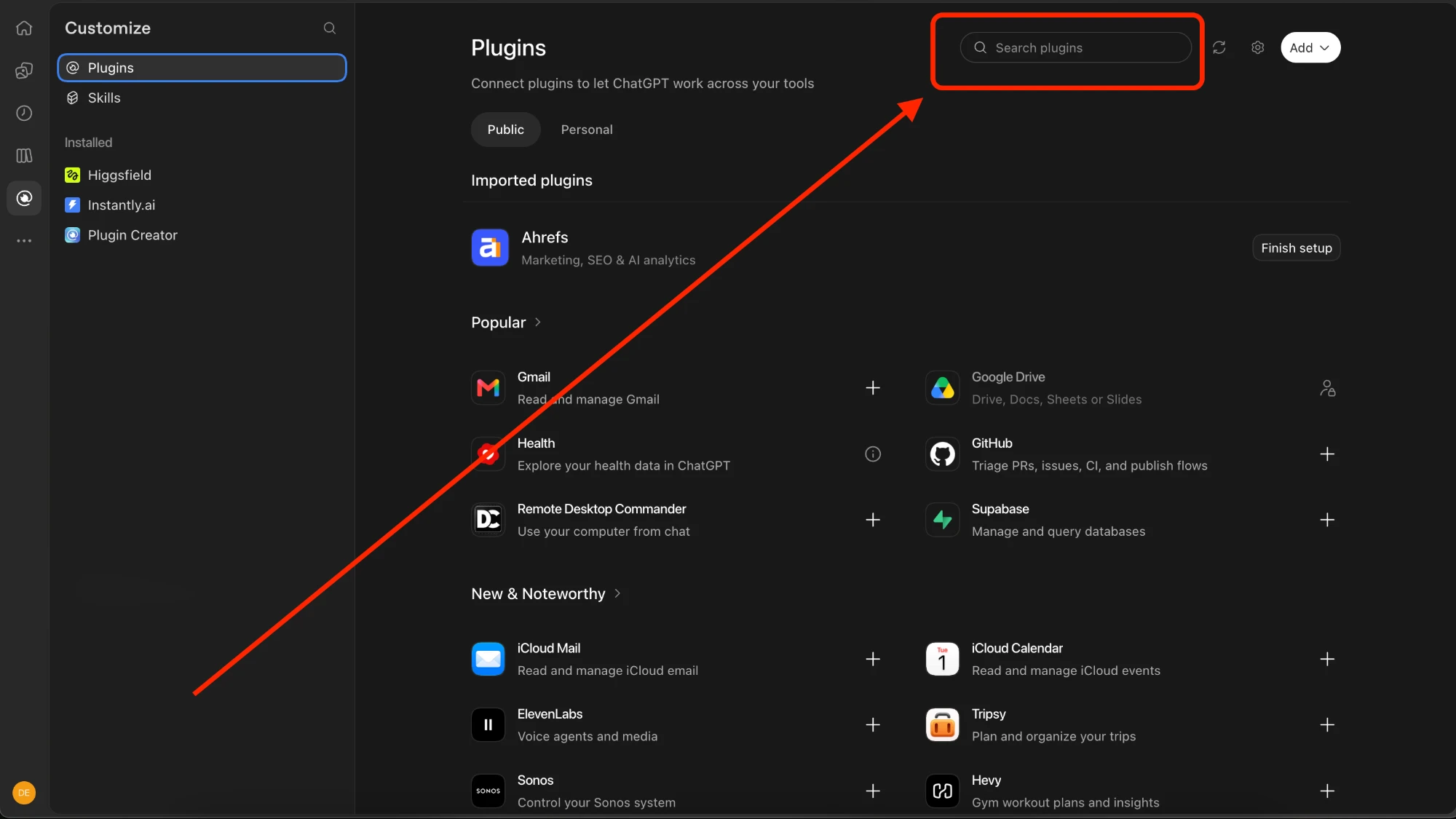
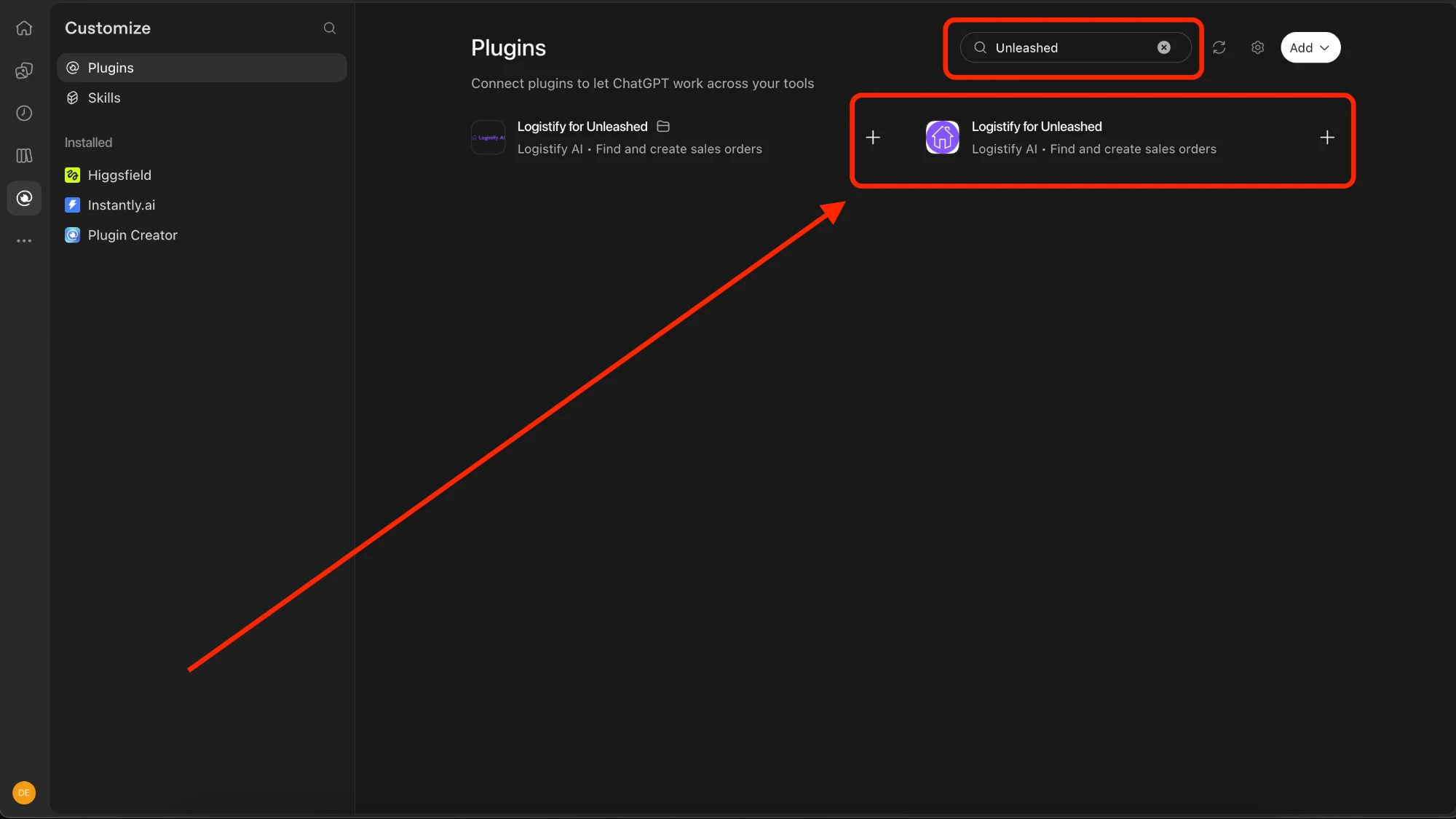
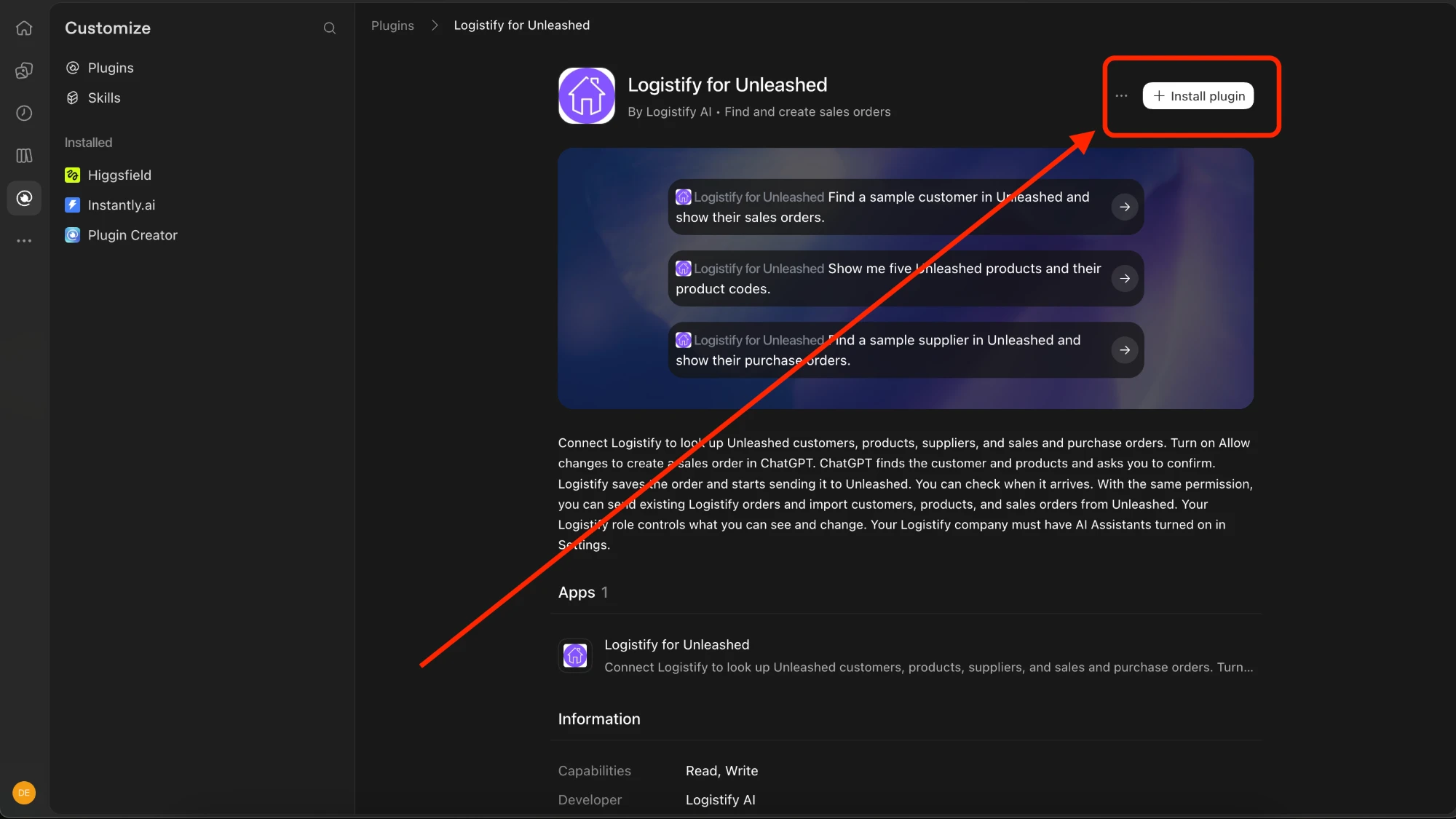
After that, ask ChatGPT about your Unleashed data in any chat, for example "Show me the open sales orders for Harbor Coffee." ChatGPT uses the plugin when your question needs it, and you can also pick it by typing @ and its name.
Which ChatGPT Plans Can Install It?
OpenAI's help says the plugin directory is available on every ChatGPT plan, on web, desktop and mobile, and that whether you can install a given plugin depends on your plan, workspace, role and region (checked November 13, 2026). In a ChatGPT Business or Enterprise workspace, an admin decides which plugins members can install, so ask your admin if you can't find it.
Can You Still Add It by Its MCP Server Address?
Yes. A ChatGPT Business or Enterprise workspace admin can still add it as a custom MCP server at https://mcp.logistify.ai/unleashed/mcp. In Claude, which doesn't list it in its directory yet, you add the same address as a custom connector. Each assistant's setup page has the steps.
What Doesn't It Do?
- It creates sales orders in Unleashed but no other record: no quotes, no edits or deletes of existing records, no stock adjustments and no purchase orders.
- It doesn't change anything unless the person who connected ticked Allow changes, and it doesn't make a change without asking first.
- It doesn't search suppliers by name, because Unleashed doesn't. Browse them, or give the start of the supplier code.
- It doesn't give company totals. Results come a page at a time, so use an Unleashed report when you need a total.
- It isn't made or endorsed by Unleashed Software.
Want ChatGPT working with your Unleashed data?
Starter is $99 a month per company, and the plugin is included in Core, Business and Enterprise. Tell us about your Unleashed setup and we'll get your company connected.
Frequently Asked Questions
Ready to automate your supply chain?
Join manufacturers and distributors automating their operations with Logistify AI.